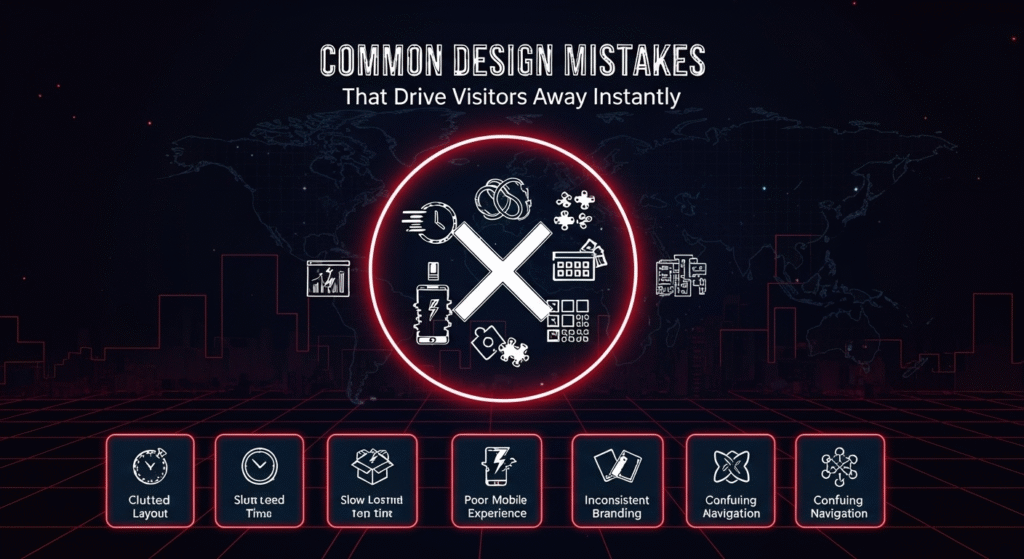
How to create a website that keeps people engaged and builds trust. Your website is often the first impression potential customers get of your business. Within seconds, visitors decide whether to stay or leave. A well-designed website can build trust and encourage action, while poor design choices can instantly drive people away. As professionals who build and optimize websites daily, we’ve seen how small design details can make a major difference in performance and user experience.
1. Slow Loading Speed
A slow website is one of the quickest ways to lose visitors. Research shows that most people leave if a page takes more than three seconds to load. Large image files, unoptimized code, and excessive plugins often cause this issue. Using compression tools, caching, and proper hosting can help your site run faster and retain visitors.
2. Cluttered Layouts and Overloaded Pages
Too much information on one page confuses visitors. When everything competes for attention, users don’t know where to look or what to do next. A clean layout with clear hierarchy helps guide visitors smoothly toward your main goal whether that’s making a purchase, signing up, or contacting you.
3. Poor Mobile Experience
More than half of web traffic comes from mobile devices. If your site isn’t responsive or hard to navigate on a phone, people will leave quickly. Test your website on different screen sizes and ensure text, buttons, and images adjust naturally for mobile users.
4. Weak or Confusing Navigation
If visitors can’t find what they’re looking for, they’ll move on. Menus should be simple, consistent, and logically organized. Avoid hidden links or vague labels. Clear navigation not only improves user experience but also helps search engines understand your site structure.
5. Lack of Visual Consistency
Inconsistent colors, fonts, and image styles make a site feel unprofessional. Consistency builds recognition and trust. Stick to a unified color palette, readable typography, and properly aligned elements across all pages.
6. Ignoring Accessibility and Readability
Design isn’t just about looks—it’s about usability. Avoid low-contrast text, overly small fonts, or hard-to-read color combinations. Accessibility improvements like proper alt text, keyboard navigation, and readable layouts help every visitor, including those with disabilities.
Key Points to Remember
- Fast loading speeds and clean layouts keep users engaged.
- Mobile responsiveness is critical for modern audiences.
- Clear, consistent navigation improves both usability and SEO.
- Visual consistency strengthens your brand identity.
- Accessibility ensures your site is usable for everyone.
Frequently Asked Questions
Q1: How can I tell if my website is driving visitors away?
Check your analytics for high bounce rates or short session durations. These indicate that users leave quickly, often due to poor design, speed, or navigation.
Q2: What design element affects trust the most?
Professional visuals and consistent branding have the biggest impact. Visitors judge credibility within seconds, so a polished, consistent look matters.
Q3: How often should I update my website design?
Review your design every 12–18 months. User expectations, technology, and design trends evolve quickly, so regular updates help maintain engagement.
Q4: Can simple websites perform better than complex ones?
Yes. Simple, purpose-driven designs often perform better because they load faster and make navigation easier. Clarity beats complexity every time.
Q5: What’s the best way to test my website’s user experience?
Ask real users to navigate your site and share feedback. Combine this with heatmaps and analytics to identify where users drop off or get confused.